Explore our Knowledge Base for in-depth guides, troubleshooting tips, and step-by-step tutorials.
MotoFlasher Frequently Asked Questions (FAQ)
MotoFlasher is a software platform that allows users to flash and tune motorcycle ECUs. It supports various hardware interfaces and multiple ECU architectures, making it suitable for both professionals and DIY enthusiasts.
MotoFlasher is designed for professional tuning shops, independent mechanics, motorcycle dealerships, racing teams, and DIY enthusiasts who want to optimize or repair their motorcycles.
MotoFlasher supports multiple ECU architectures, including:
Denso
Keihin
Mitsubishi
Renesas
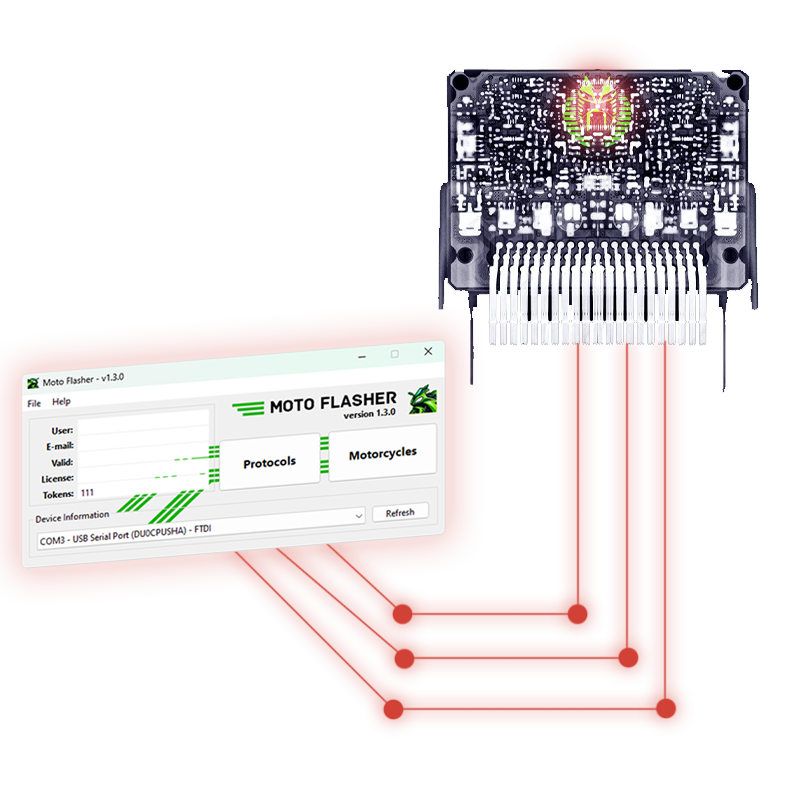
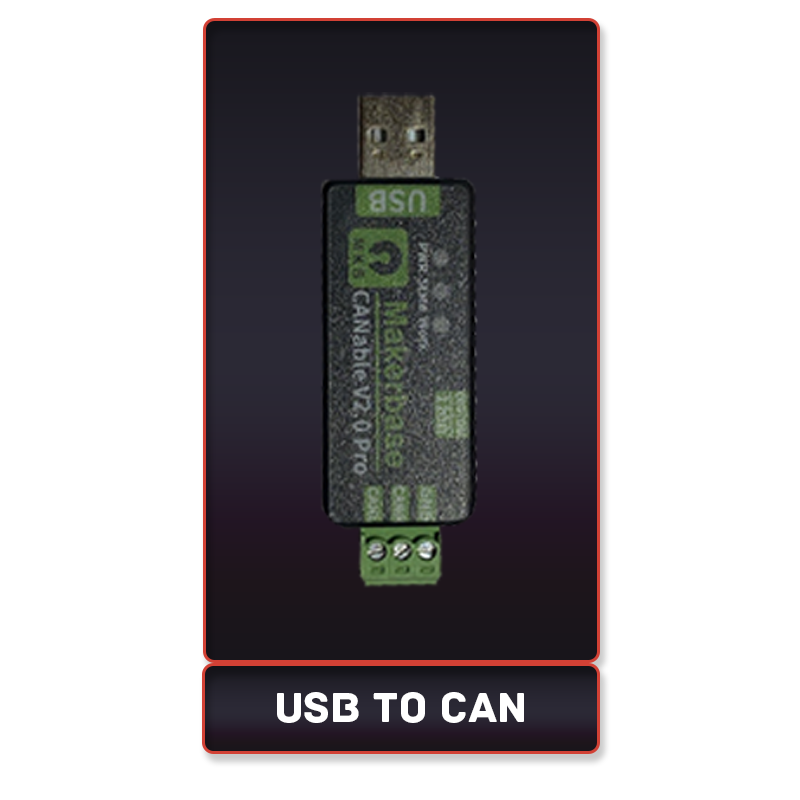
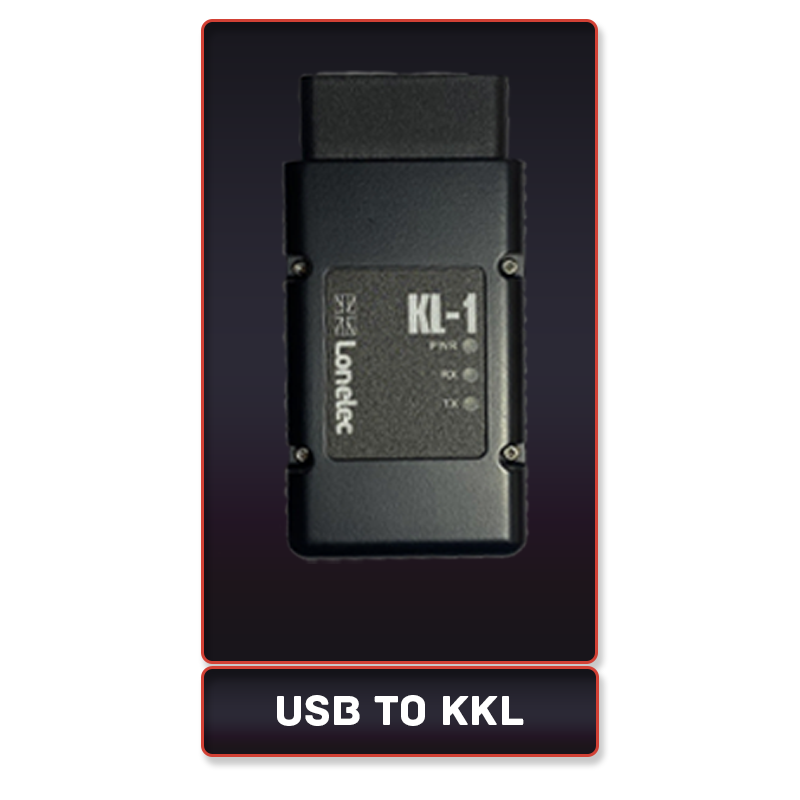
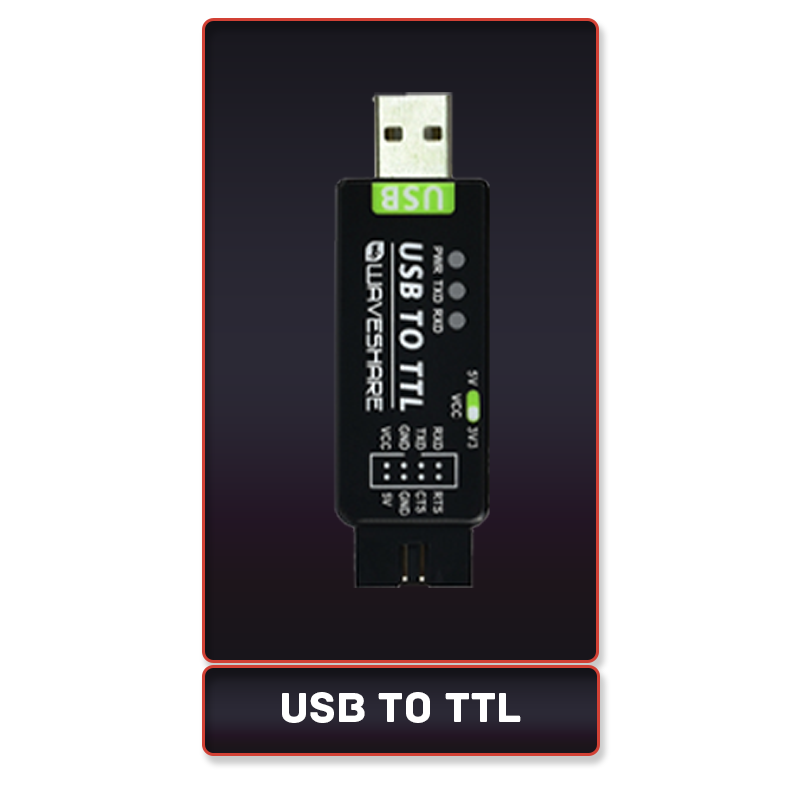
You will need a supported hardware interface such as USB-to-KKL/TTL or CANable to connect your ECU to your computer.
You can find below list of hardware that MotoFlasher supports.
MotoFlasher supports a wide range of motorcycles, but compatibility depends on the ECU model. Check the supported ECUs list before purchasing.
Download the MotoFlasher software
Install the software by following the on-screen instructions.
Connect your hardware interface to your computer and ECU.
Activate your license using your MotoFlasher account.
Turn ON 12V power to the ECU.
Wait for 1 second, then turn ON 16V power.
Press OK in MotoFlasher to establish a connection.
Connect your ECU following the connection guide.
Select the correct ECU model in MotoFlasher.
Click on “Read ECU.”
Save the file to your computer.
Load the desired tune file in MotoFlasher.
Ensure a stable power source is connected to the ECU.
Click on “Write ECU.”
Wait for the process to complete and verify the flash.
You can purchase a MotoFlasher license through Pricing Page. Subscription options.
Yes, but you must first deactivate the license on the old computer before activating it on a new one.
If your subscription expires, you will lose access to software updates and online services until you renew it.
Check if the correct ECU model is selected.
Verify that your hardware interface is properly connected.
Ensure the power sequence (12V, then 16V) is correctly followed.
Restart MotoFlasher and try again.
Make sure the power supply to the ECU is stable.
Check for any loose connections.
Try using a different USB-to-KKL/TTL or CANable device.
Ensure the software is up to date.
MotoFlasher offers support through:
The official website’s support page.(ticket system)
Direct chat with support
Priority Support provides faster response times, direct troubleshooting, and dedicated communication channels.
Yes, MotoFlasher is designed for professional use, and the Master-Slave system allows tuning shops to manage their clients efficiently.
Yes, MotoFlasher partners with tuning shops, motorcycle dealerships, and influencers through affiliate programs and co-branded solutions.
Localization is in progress. Future updates will include additional language support.
Regular updates are released to add new ECU support, fix bugs, and introduce new features. Users with active subscriptions receive these updates automatically.
Yes! Submit a request through the support portal, and the development team will evaluate its feasibility for future updates.
This release brings the latest updates and improvements, and introduces a subscription model. Lifetime users keep full access to all their existing add-ons when they subscribe, with no loss of previously purchased features.
Update now to get the newest version and continue using your add-ons without interruption.
Live now at motoflasher.com